Hello hello, this board is a little different than what some of us have written on before. There’s a few things to learn and explore, so let’s discover.
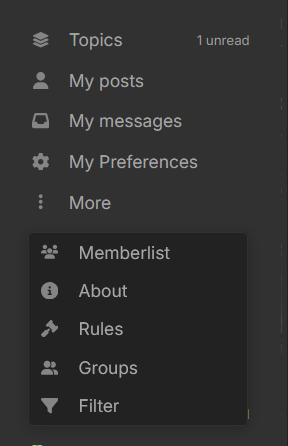
Account Menu
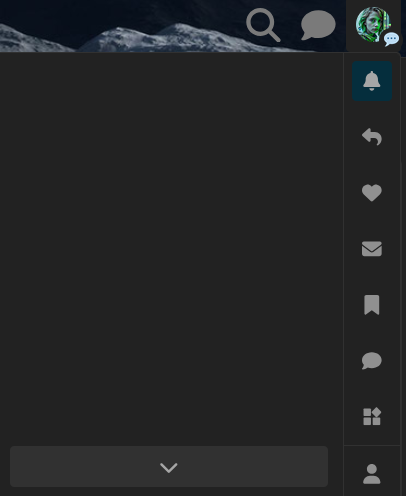
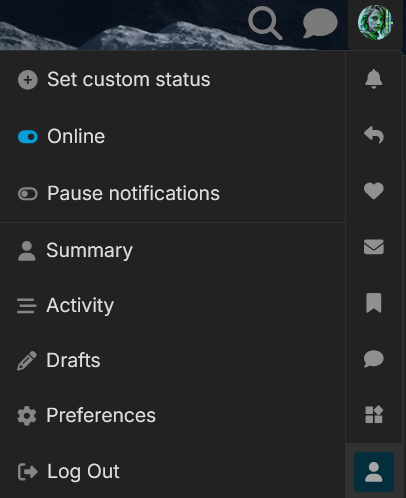
You can find the account menu by clicking on your avatar in the upper-right corner:
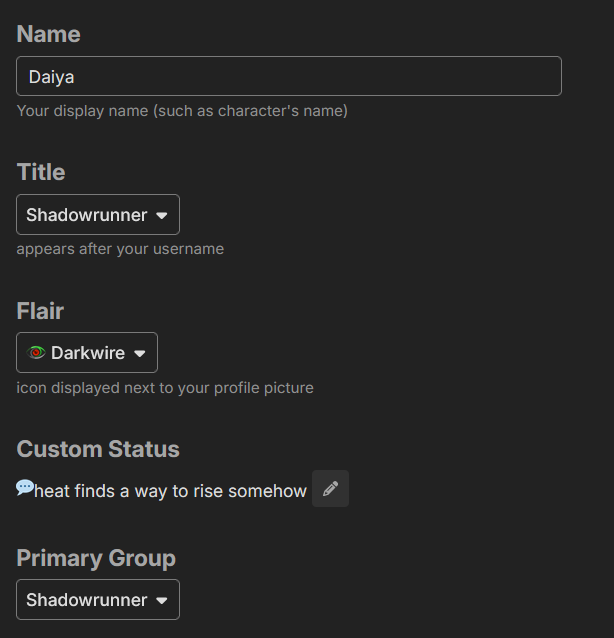
Here you can change a few things including the custom user status (currently I’m using this similar to our custom user titles from elsewhere), logout or click into My Preferences to change more settings.
Make sure to save your changes at the bottom of each settings page:
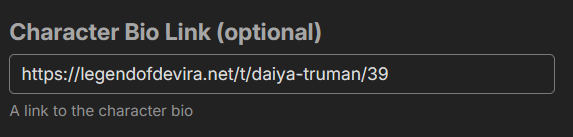
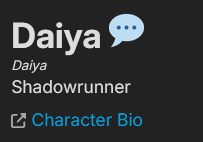
Clicking that will direct you to the bio topic. Please use this for character bios, there is a Featured Topic button lower in the Profile settings if you have something else to show off!
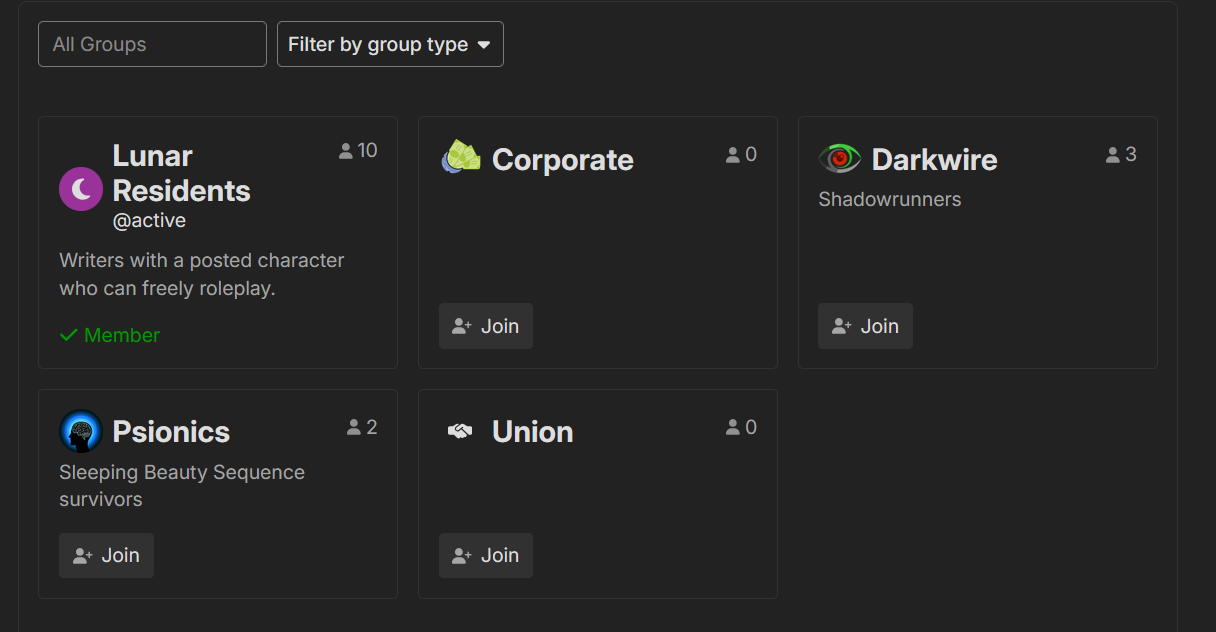
Most groups are freely joinable. So far, we have a few that represent the major story themes on the site. There’s a few things they can do so far, like adding some post bling on your avatar and the ability to get mentioned by an @group tag (much easier than maintaining a manual list, no doubt).